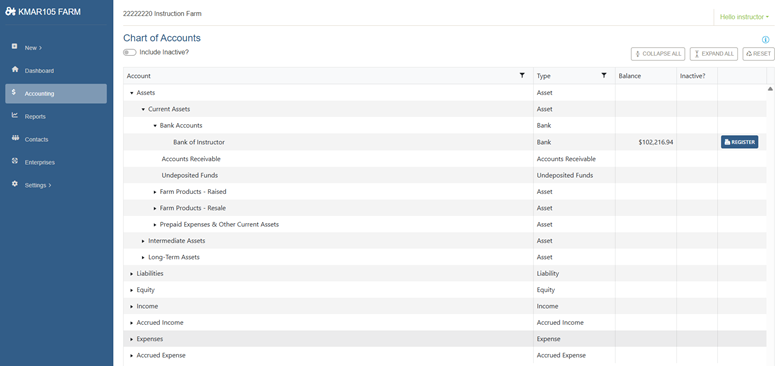
- Select Accounting then Register.
2. To the right of each transaction, you will see a pencil icon. If editing is required, click the pencil icon.

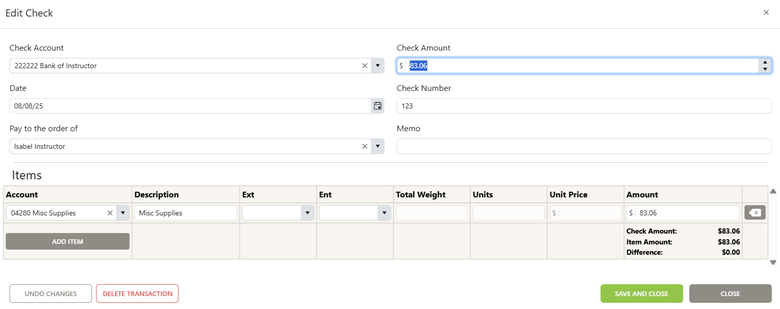
3. At this screen you can edit your transaction and click save and close or you can delete your transaction.
Was this article helpful?
That’s Great!
Thank you for your feedback
Sorry! We couldn't be helpful
Thank you for your feedback
Feedback sent
We appreciate your effort and will try to fix the article