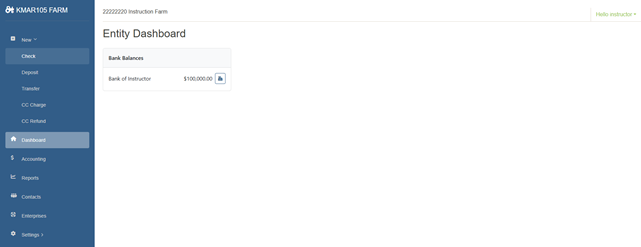
- To enter a check, click new, check.
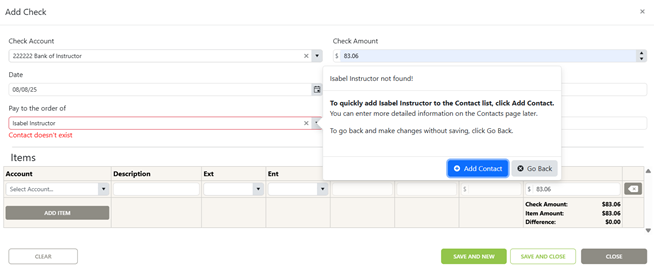
2. If you enter a contact that you have not entered previously, you will get this pop-up, click add contact.
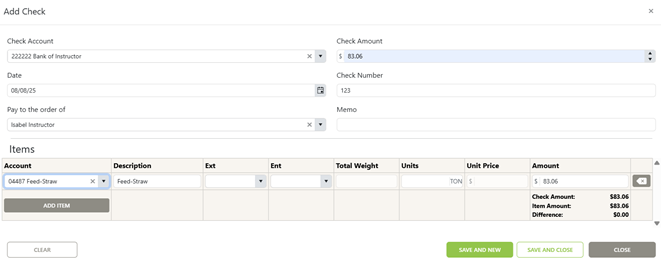
3. Continue entering your check details and select save and new if you have more checks to enter or save and close if you are finished.
Was this article helpful?
That’s Great!
Thank you for your feedback
Sorry! We couldn't be helpful
Thank you for your feedback
Feedback sent
We appreciate your effort and will try to fix the article